Overview
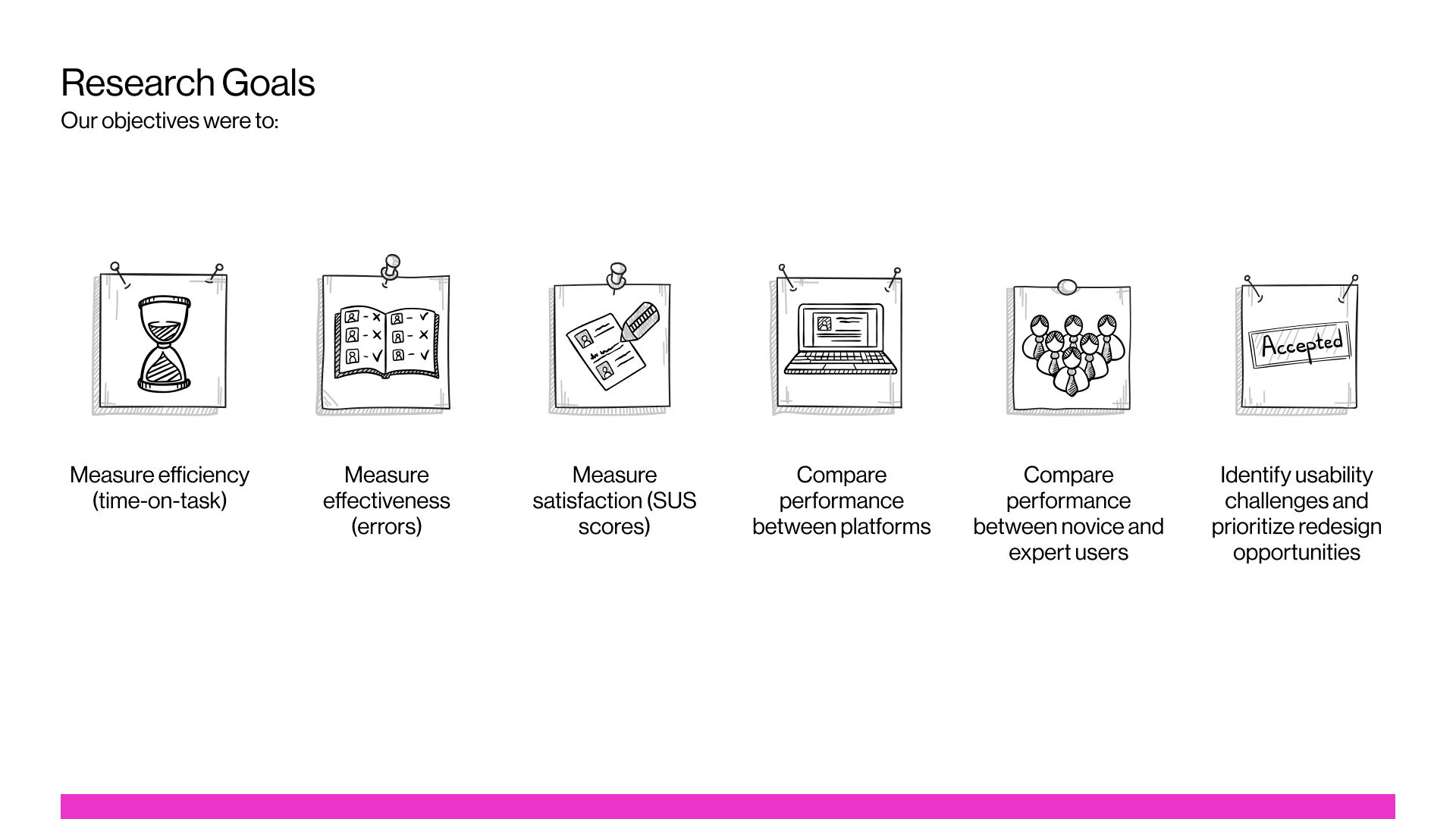
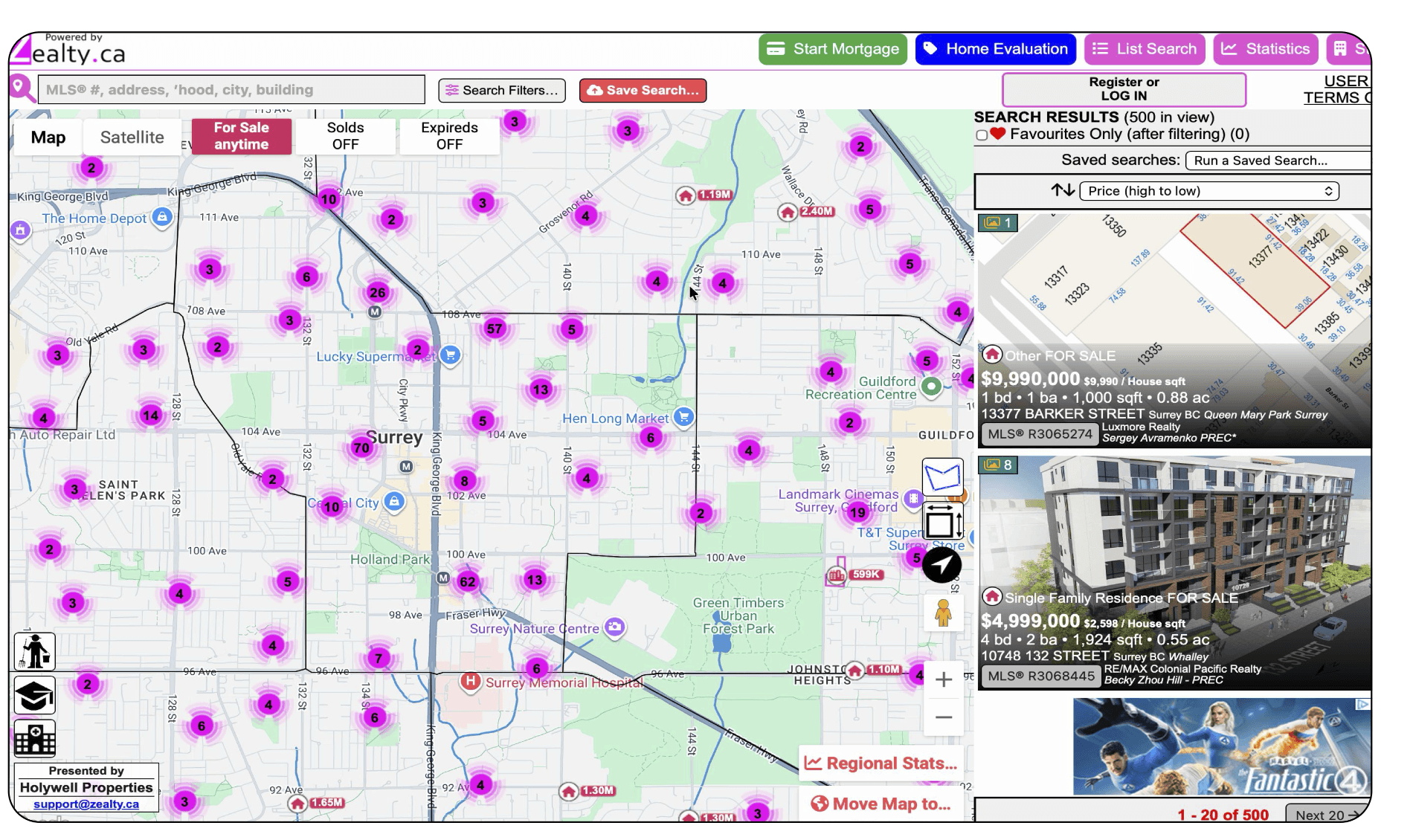
Zealty.ca packs more property data into its map interface than almost any other platform in the Vancouver real estate market. Filters, pricing history, days-on-market, agent commission info, it's all there. The question we wanted to answer was whether that density was helping users or working against them. We ran Zealty's map interface through a full usability evaluation, benchmarked directly against REW.ca, a competitor most realtors already know, across two user groups: licensed real estate experts and first-time home buyers.
What we set out to test
An initial heuristic inspection flagged violations of two heuristics in particular, Aesthetic and Minimalist Design and Recognition Rather Than Recall, which shaped three hypotheses:
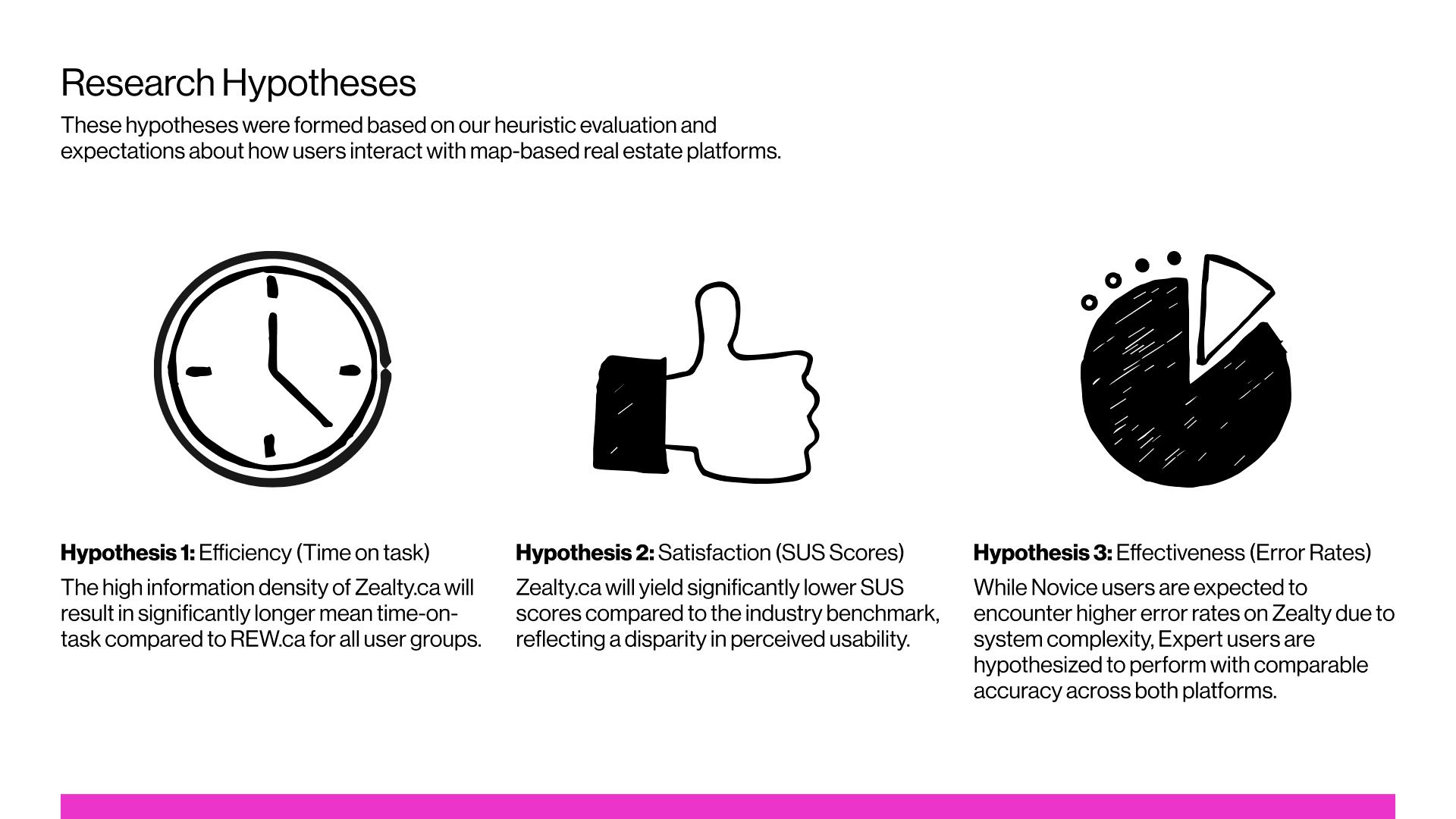
- Efficiency: Zealty's information density would result in significantly longer task times than REW, across all users.
- Satisfaction: Zealty would score significantly lower than the industry SUS benchmark.
- Effectiveness: Novices would make more errors on Zealty due to complexity, but experts would perform comparably across both platforms.
Methodology
Two phases. First, a heuristic evaluation of Zealty against Nielsen's 10 heuristics, to establish a baseline before touching real users. Second, comparative usability testing with 16 participants: 8 real estate experts (licensed realtors familiar with professional tools like Paragon and AutoProp) and 8 novice home buyers. Platform was within-subjects, everyone completed identical tasks on both Zealty and REW, and expertise was between-subjects. Task order was counterbalanced to control for learning effects, and we piloted the protocol with a realtor before running full sessions.
Four tasks, in order of increasing complexity: find a specific address, check whether a listing has a given amenity, navigate the map and estimate a listing count in a target area, and apply a multi-criteria filter (bedrooms, bathrooms, build year, pet policy).
Results
Efficiency - time on task
Zealty took longer across nearly every task. Task 2 is worth a brief note: novices were technically slower on Zealty there too (25.2s vs 11.3s, p = 0.029), but the gap was small next to the other tasks, so it doesn't carry much weight on its own.
The real story is Tasks 3 and 4:
- Task 3 (navigate & sort): novices took 71.9s on Zealty vs 33.5s on REW (p = 0.006). Experts took 99.5s vs 60.7s, a large gap but not statistically reliable (p = 0.139).
- Task 4 (complex filtering): novices took 149.0s vs 89.3s (p = 0.010). Experts took 161.2s vs 58.6s, the single most significant result in the study (p = 0.0001).
One result cuts against the density-always-costs-time story: on Task 1 (address search), experts were actually a little faster on Zealty (54.7s) than REW (78.4s), though not significantly (p = 0.174). Worth keeping in the case study honestly rather than smoothing it over.
Time on Task - Novice
Task 1: Address SearchLocate the property at 5051 Imperial Street, Burnaby.
| Metric | Zealty | REW |
|---|---|---|
| Mean time (sec) | 54.35 | 23.75 |
| Standard deviation | 46.53 | 8.08 |
| N | 8 | 8 |
| Success rate | 87.5% | 100.0% |
| Avg errors | 1.38 | 0.25 |
| Min time | 14.09 | 11.31 |
| Max time | 124.19 | 35.00 |
Task 2: Amenity CheckAccess the listing again and determine whether the building includes a gym.
| Metric | Zealty | REW |
|---|---|---|
| Mean time (sec) | 25.19 | 11.34 |
| Standard deviation | 15.35 | 4.99 |
| N | 8 | 8 |
| Success rate | 100.0% | 100.0% |
| Avg errors | 0.38 | 0.25 |
| Min time | 7.42 | 3.92 |
| Max time | 54.91 | 21.48 |
Task 3: Navigate & SortNavigate to Yaletown on the map, zoom in until street names are visible, locate the block between Hamilton and Mainland, and estimate the number of properties for sale.
| Metric | Zealty | REW |
|---|---|---|
| Mean time (sec) | 71.90 | 33.48 |
| Standard deviation | 30.36 | 14.80 |
| N | 8 | 8 |
| Success rate | 100.0% | 87.5% |
| Avg errors | 0.50 | 0.38 |
| Min time | 37.42 | 18.46 |
| Max time | 123.77 | 62.41 |
Task 4: Complex FilteringApply filters to find condos meeting all of: 3+ bedrooms, 2+ bathrooms, built after 2010, pet-friendly.
| Metric | Zealty | REW |
|---|---|---|
| Mean time (sec) | 149.03 | 89.31 |
| Standard deviation | 50.76 | 24.92 |
| N | 8 | 8 |
| Success rate | 75.0% | 100.0% |
| Avg errors | 1.50 | 0.62 |
| Min time | 71.89 | 52.86 |
| Max time | 202.69 | 120.34 |
Time on Task - Expert
Task 1: Address SearchLocate the property at 5051 Imperial Street, Burnaby.
| Metric | Zealty | REW |
|---|---|---|
| Mean time (sec) | 54.68 | 25.02 |
| Standard deviation | 56.84 | 13.99 |
| N | 8 | 8 |
| Success rate | 100.0% | 100.0% |
| Avg errors | 1.12 | 0.62 |
| Min time | 13.00 | 10.15 |
| Max time | 187.00 | 51.00 |
Task 2: Amenity CheckAccess the listing again and determine whether the building includes a gym.
| Metric | Zealty | REW |
|---|---|---|
| Mean time (sec) | 45.42 | 14.98 |
| Standard deviation | 41.85 | 11.75 |
| N | 8 | 8 |
| Success rate | 100.0% | 100.0% |
| Avg errors | 0.50 | 0.00 |
| Min time | 12.33 | 6.87 |
| Max time | 137.00 | 38.00 |
Task 3: Navigate & SortNavigate to Yaletown on the map, zoom in until street names are visible, locate the block between Hamilton and Mainland, and estimate the number of properties for sale.
| Metric | Zealty | REW |
|---|---|---|
| Mean time (sec) | 99.47 | 60.68 |
| Standard deviation | 55.72 | 42.19 |
| N | 8 | 8 |
| Success rate | 100.0% | 100.0% |
| Avg errors | 1.75 | 0.38 |
| Min time | 49.00 | 21.44 |
| Max time | 216.00 | 144.00 |
Task 4: Complex FilteringApply filters to find condos meeting all of: 3+ bedrooms, 2+ bathrooms, built after 2010, pet-friendly.
| Metric | Zealty | REW |
|---|---|---|
| Mean time (sec) | 161.24 | 58.64 |
| Standard deviation | 46.57 | 28.63 |
| N | 8 | 8 |
| Success rate | 50.0% | 100.0% |
| Avg errors | 4.00 | 0.88 |
| Min time | 85.00 | 22.00 |
| Max time | 207.00 | 109.00 |
Effectiveness - error rates
This is where the study's most interesting finding shows up, and where I want to correct something. The original report's summary table listed experts making "10x" more errors on Zealty during filtering. That number came from a copy-paste error, REW's Task 3 error rate got reused in the Task 4 row. The actual figure, from the raw data, is that experts made 4.6x more errors on Zealty during filtering (4.0 vs 0.875) and 4.7x more during navigation (1.75 vs 0.375). Still a strong, real finding, just not the one originally reported.
What's notable is who made those errors. Experts, not novices, had the elevated error rates. They came in with ingrained habits from professional tools and REW's more conventional patterns, and those habits produced real mistakes on Zealty. Novices made similar numbers of overt errors on both platforms, their difficulty showed up as hesitation and repeated double-checking instead, which the time-on-task data captures better than an error count does.
Satisfaction - System Usability Scale
Both gaps are statistically significant (novices p = 0.001, experts p = 0.014). The expert score sits right at the professional-software threshold rather than below it, meaning experts rate Zealty like a typical professional tool, not a broken one. Novices rate it well below even that lower bar.
| Zealty | REW | Benchmark | |
|---|---|---|---|
| Novices | 41.9 (Grade F) | 78.7 (Grade A-) | 68 general average |
| Experts | 56.6 (Grade D) | 78.4 (Grade B+) | 57 = B2B/professional threshold, 75 = B2C threshold |
What was actually wrong with the interface
The heuristic evaluation and the qualitative feedback point to four recurring problems:
- Information density and visual overload. The interface shows everything at once with no prioritization. Participants across both groups described it as "cluttered," "busy," and "overwhelming." One expert put it plainly: "There's too much information going on." This was the heuristic evaluation's most frequent violation (Aesthetic and Minimalist Design) and the root cause behind most of the other three problems.
- Wrong assumptions about expert users. Experts expected Zealty to follow the same conventions as the professional tools they use daily. It doesn't. Non-standard icons, an inconsistent building-amenity icon that changes color between the map and detail views, and unlabeled buttons all forced experts to re-learn things they expected to already know. That mismatch, not unfamiliarity, is what drove the error rate up.
- Novice-specific barriers. Novices weren't making mistakes so much as they were stuck verifying. Real estate jargon like "MLS®" appeared with no explanation. One novice, asked to find a specific address, said flatly: "I don't know where to look."
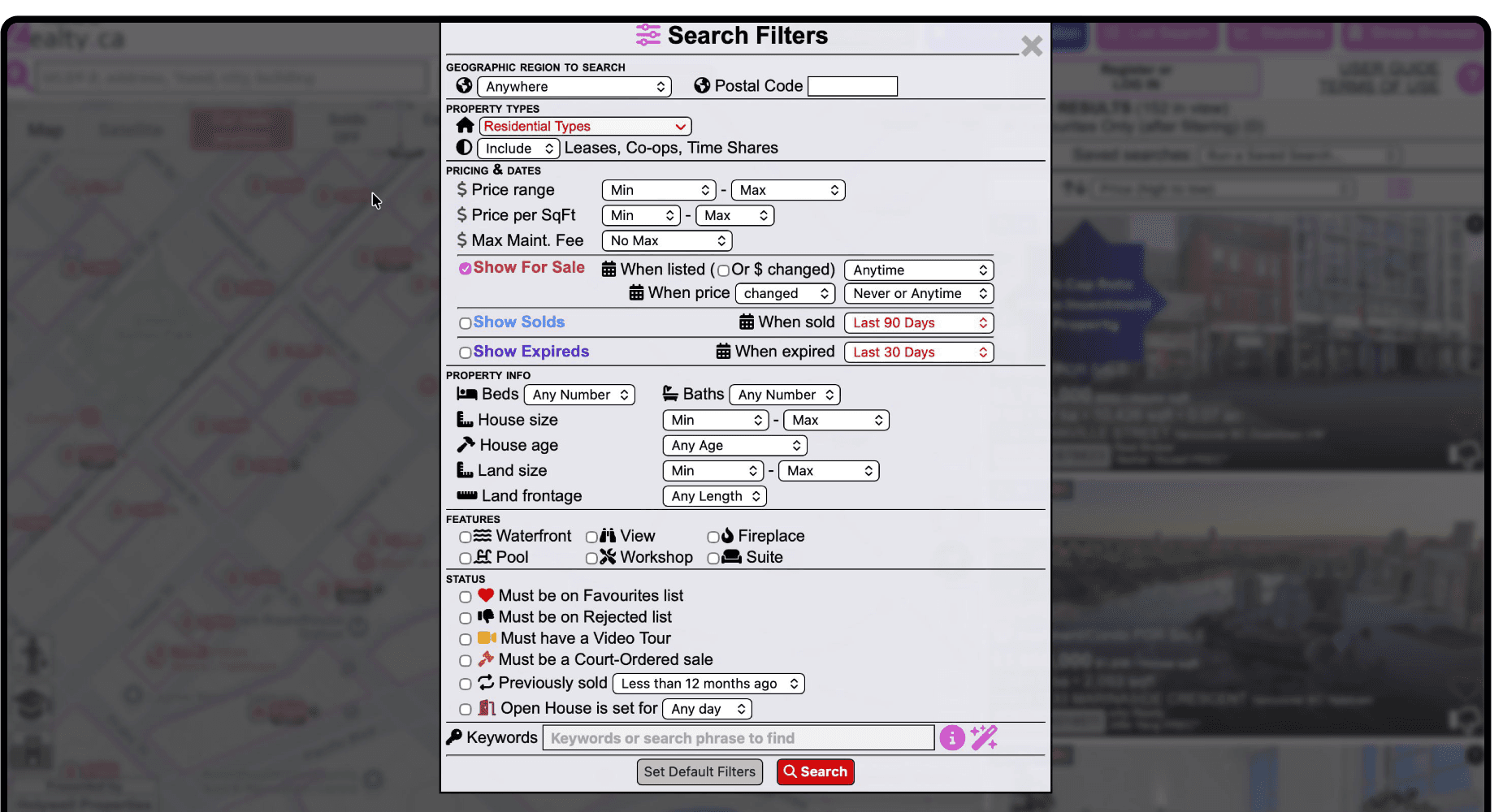
- Filter system bottlenecks. Task 4 produced the largest performance gap in the study for a reason: filters were hard to locate, provided no confirmation when applied, and in one case used red highlighting for a selected filter, a color users read as an error. A recurring complaint was the lack of a "clear all" control, meaning any exploratory filtering came at a real cost.
Recommendations
Recommendation 1: Reduce Visual Overload
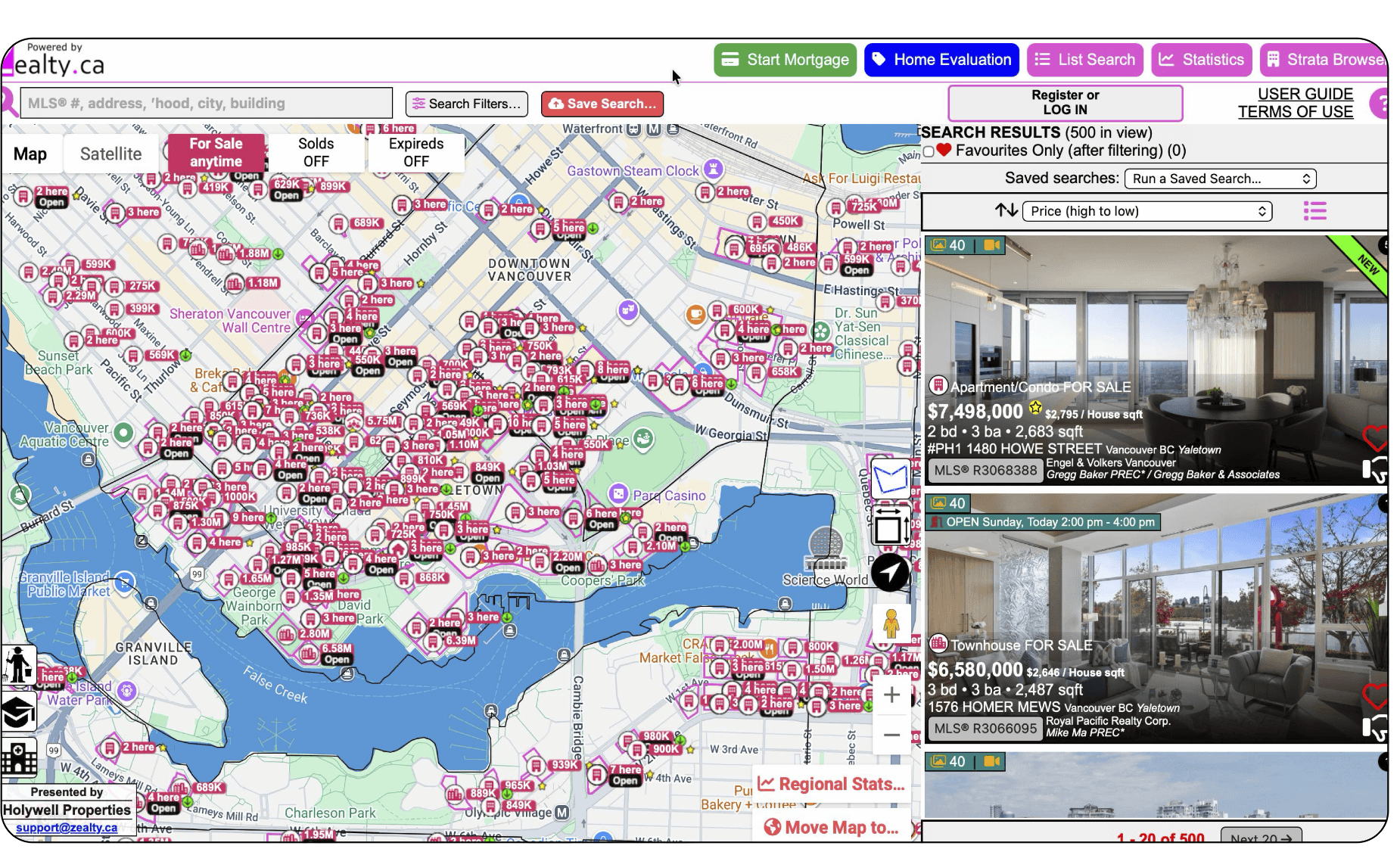
Zealty currently presents a large amount of information simultaneously, which overwhelms both novice and expert users and slows decision-making.
Goal
Improve readability, reduce cognitive load, and help users form a clearer mental model of the interface.
Actions
- Reduce visual clutter by preventing overlapping elements like listing cards, simplifying the visual hierarchy, grouping related UI controls, and organizing listing previews to avoid obstruction.
Expected impact
A cleaner, more structured interface lowers cognitive effort, speeds up scanning, and boosts user confidence, directly improving performance across basic navigation and search tasks.
Recommendation 2: Improve Interaction Consistency
Zealty's interaction patterns often deviate from real-estate industry norms. This creates friction for novices and causes experts to make errors due to mismatched expectations.
Goal
Make interface behaviors predictable, stable, and aligned with established real-estate platforms.
Actions
- Ensure navigation remains in the same browser tab, standardize icons and labels (e.g., Sold, Active) to match industry conventions, and enforce predictable patterns for all interactive elements.
Expected impact
Predictable, industry-aligned interactions reduce expert errors, lower cognitive load for novices, and build trust and confidence in the platform's usability.
Recommendation 3: Improve Filter Discoverability
Filtering was the largest performance gap in the study, especially for expert users. Many users, both novices and experts, struggled to locate, interpret, and trust filter options, which led to significantly longer task times and repeated backtracking.
Goal
Help users quickly locate filters, understand what they do, and feel confident that the system applied them correctly.
Actions
- Organize filters into defined sections and rename unclear terms like "Total Area" to "Sq Ft." Visually highlight active filters and provide explicit feedback to confirm updates.
Expected impact
- Faster filtering workflows
- Fewer errors caused by misinterpretation
- Greater user confidence and trust in the platform
- Direct reduction in Task 4 completion times, especially for experts